
You handle the technology. They just take the call.
All of the setup and ongoing admin sits in your family app, so the person on the couch has nothing new to learn, charge or troubleshoot.
Three steps to a video call on their TV
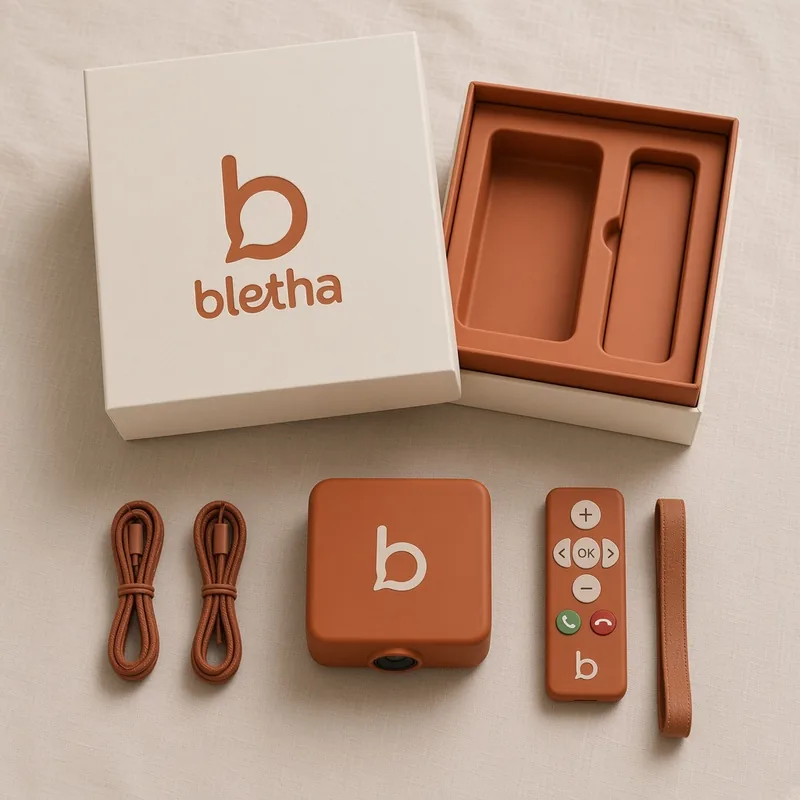
The box goes under their TV
The bletha Box sits under the telly, like a set-top box. We aim to pre-configure it before it arrives, and it doesn't replace their regular TV channels or streaming.
You finish setup on your phone
In the family app, you add who can call and manage the connection. That's designed to be your job, not theirs.
They just watch and answer
They use the TV and a simple remote. One press to answer — or, for family you trust, it can answer for them.
You do
- Finish setup, including Wi-Fi or 4G
- Choose who can call, and who is trusted to auto-answer
- Set volume and contacts from the app
They do
- Use their own TV
- Press a button — or just pick up the conversation
- No passwords, no charging a tablet, no updates to dismiss
Coming in v1
Two-way live captions, volume control from the app and the remote, and a camera with auto-focus and auto-framing that keeps them in shot.
When a call comes in
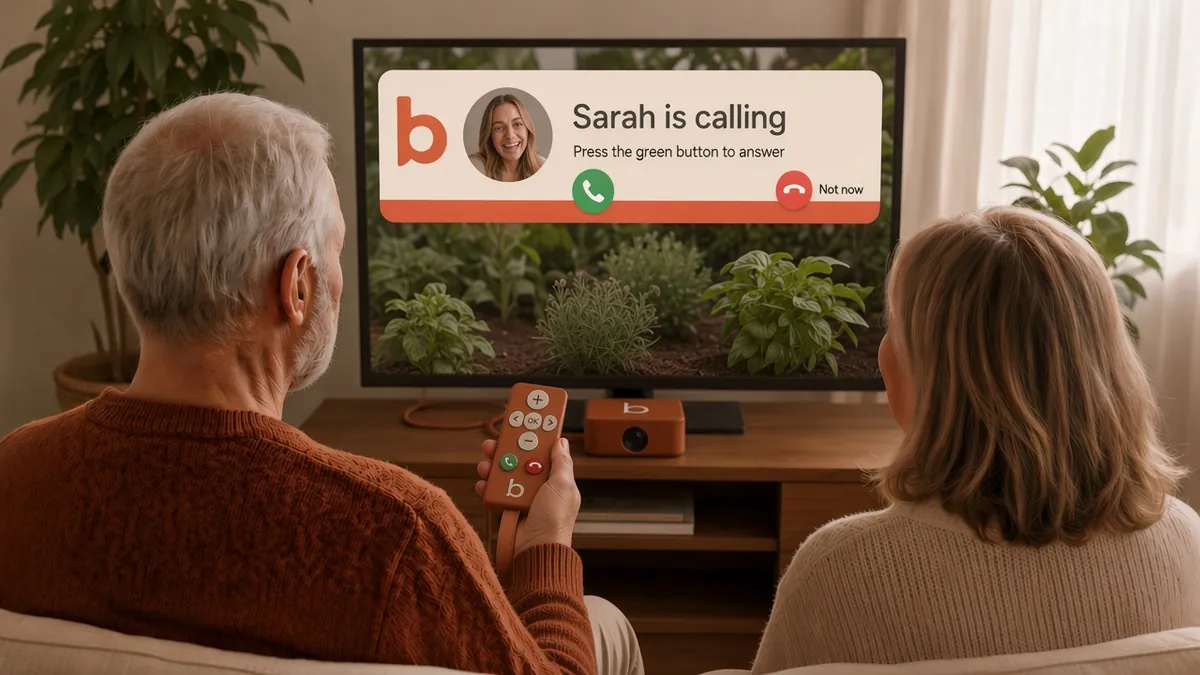
A clear banner shows who is calling — name and relationship — right over what's on TV. Press the green Answer button on the simple remote, press Red for Not now, or let trusted family pop straight in.